Less clutter. More memories.
Your phone is full of photos, videos and files you forgot existed. ClearSpace finds them — duplicates, giants, screenshot piles — and lets you review every single one before anything is removed.
Coming soon to Google Play Questions? Email us
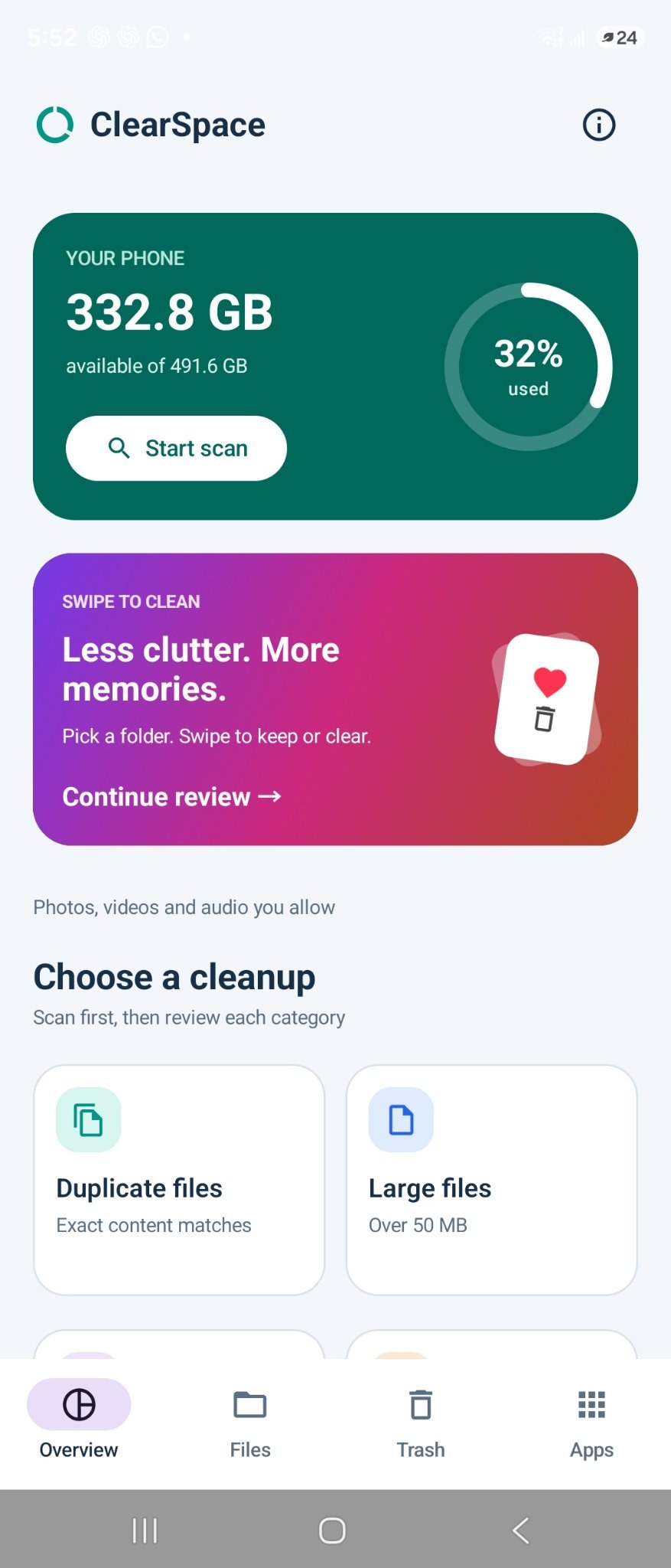
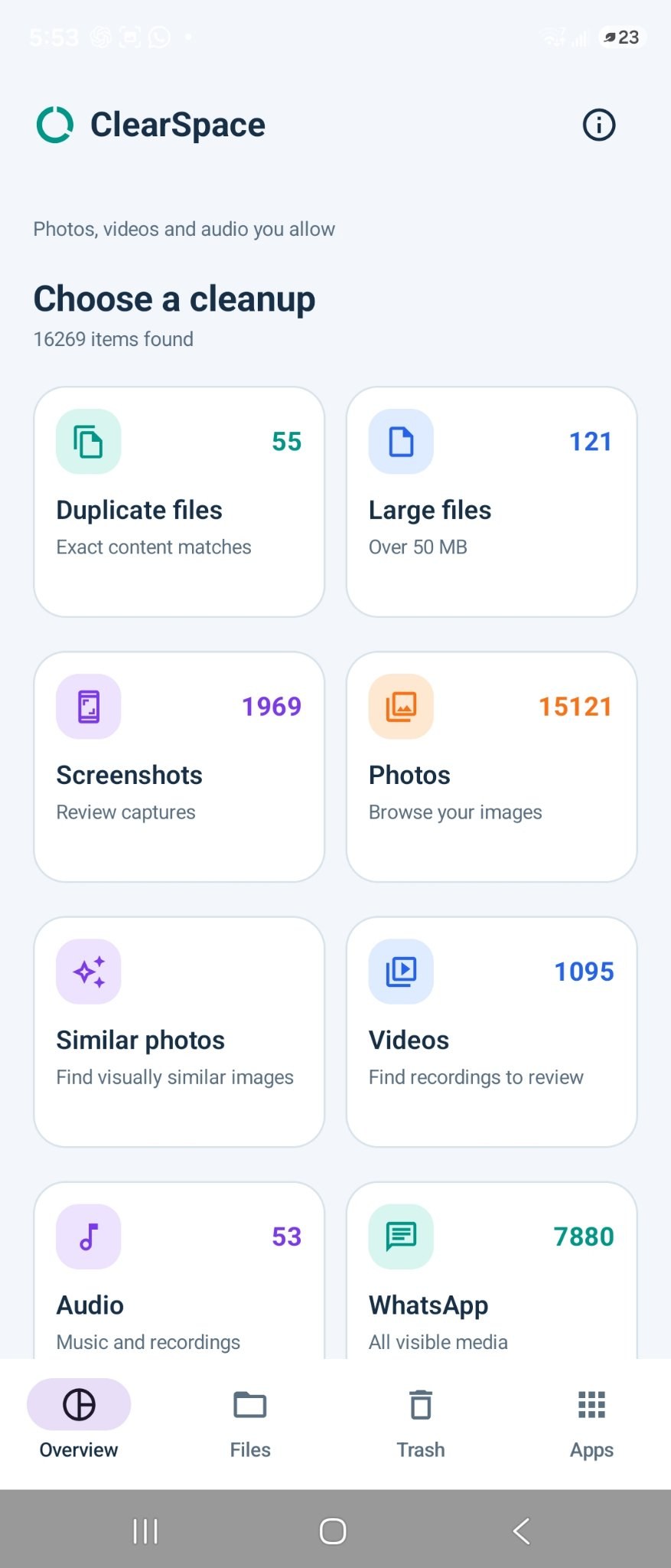
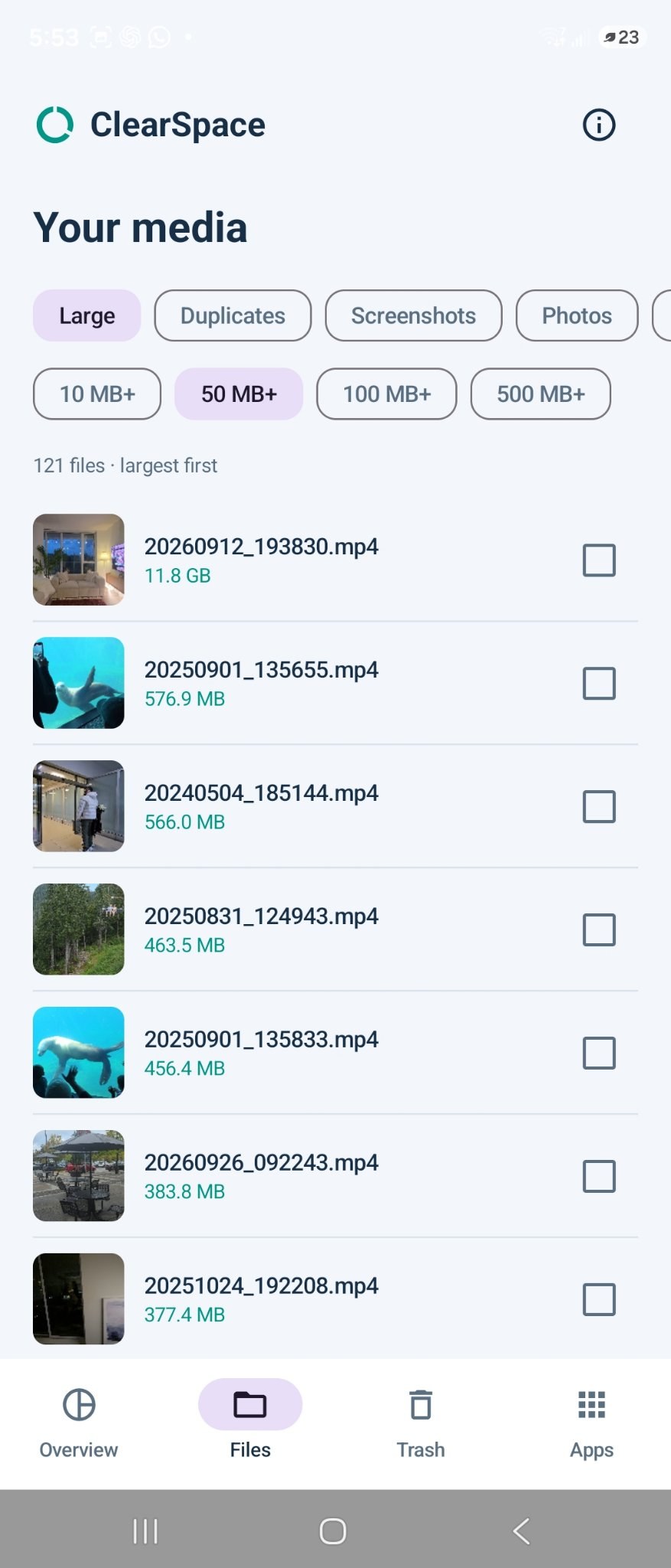
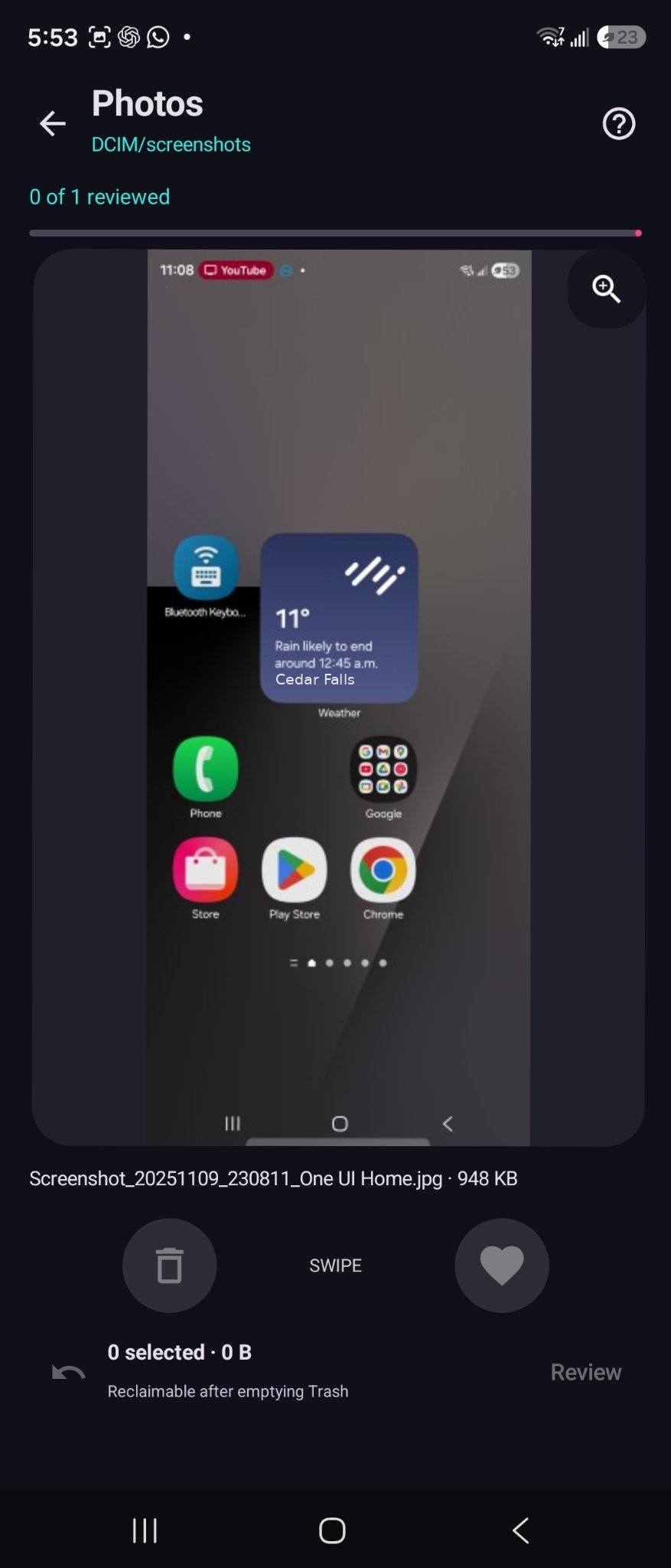
Real screens from ClearSpace — no mockups, no stock photos.

See exactly how much space you have, then start a scan — or jump straight into Swipe to Clean.

Duplicates, large files, screenshots, similar photos, and media grouped per app — WhatsApp, Telegram, Instagram and more.

Filter by size and type, see the real space each file takes, and tick only the ones you are sure about.

Review photos one by one — heart to keep, trash to clear. Your progress is tracked, and nothing is final until you empty the Trash.
Most cleaner apps want to delete first and ask never. ClearSpace is built the other way around.
Exact duplicates, files over 50 MB, screenshots, visually similar photos, and unused apps — each in its own review pile.
Pick a folder and swipe through it: keep the memories, clear the clutter. Reviewing a full camera roll stops being a chore.
Nothing is selected automatically. You review every file before removal, and removed items wait in ClearSpace’s own Trash — reclaim the space only when you empty it.
WhatsApp, Telegram, Instagram, Facebook and TikTok media, grouped per app, so years of forwarded videos stop hiding in the corners.
Resize photos, convert between JPEG, PNG and WebP, and compress videos at the quality you choose — built in, no extra apps.
ClearSpace looks at the photos, videos and audio you give it permission to see — nothing more.

If “storage almost full” has ever interrupted your day — this is for you.
The things people actually ask before trusting an app with their photos.
No — never. Nothing is selected automatically and nothing is removed until you review it and choose it yourself. Removed items go to ClearSpace’s Trash first, and the space is only reclaimed when you empty it.
Only the photos, videos and audio you allow. You grant access, you stay in control, and you review everything on your own screen.
Years of forwarded photos and videos add up quietly. ClearSpace groups media per app — WhatsApp, Telegram, Instagram, Facebook, TikTok — so you can see exactly what each one is holding and clean it deliberately.
Yes. The built-in photo tools resize images and convert between JPEG, PNG and WebP, and the video tools compress recordings at a quality you pick — keep the memory, lose the megabytes.